 NEWS
NEWS
Spotify, Pandora, and Other Music Apps Could Gain Siri Playback Controls
 06/06/2019
 3379
3379
Siri could be used to play music from third-party streaming services like Spotify in iOS 13, iPadOS, and HomePod, with a change to SiriKit enabling verbal control of tracks and podcasts being played in non-Apple apps via the virtual assistant, without requiring the use of Siri Shortcuts.
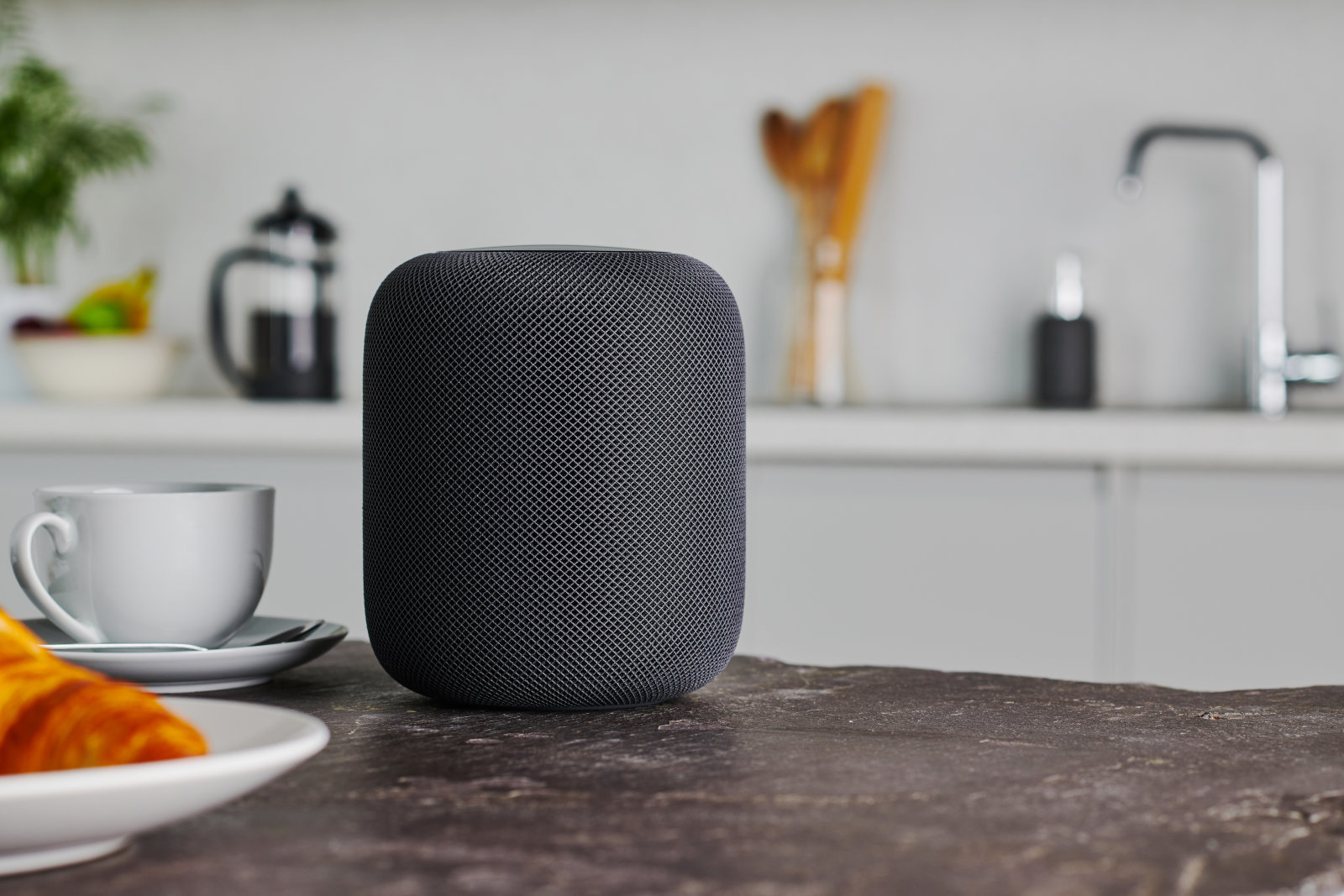
In 2018, Apple revealed the development of a Siri intent to enable the playback of media from apps not developed by Apple. While Siri could open streaming apps, it could not play music from within the apps, but a proposed addition to iOS 12's Siri Shortcuts called "Play Media" could have allowed a shortcut to be made to play specific content.
For WWDC 2019 and iOS 13, as well as iPadOS, Apple appears to be making another play to enable the same sort of functionality again, but this time within Siri itself. The SiriKit developer documentation for "Media" includes numerous changes for Xcode 11.0 beta 1 that reference intents to play media, including controlling media playback.
The long list of classes can be incorporated into apps by developers to enable Siri to take control of media selection and playback, reports MacRumors. While not described whether it would be simple playback controls, there is also the possibility of on-screen playback controls for a track or podcast to appear, in a similar way to how controls for Apple Music and Podcasts playback appear following a Siri request.
Crucially for this version, the intents work within Siri itself, without requiring there to be a Siri Shortcut to be created beforehand.
If the media intents remain available to use by developers at the time of iOS 13's release, along with iPadOS this fall, it opens up the possibility for other music streaming services to take advantage of Siri. Currently it is not possible to ask Siri to play a specific track or podcast outside of Apple's own apps, but the change could enable the functionality to work in rival apps like Spotify and Pandora.
The potential integration with Siri may be welcomed by users, as well as by rival services like Spotify, which has claimed Apple locks out its competitors from certain Apple-run services, including Siri and HomePod. In March, it was reported Apple had reached out to assist Spotify in the integration of Siri and AirPlay 2 "on several occasions," only to be told that the company "is working on it."
Source: Appleinsider










