NEWS

10.2-inch iPad Could Launch Alongside iPhone 11 in Q3 2019

08/02/2019

2398

10.2-inch iPad Could Launch Alongside iPhone 11 in Q3 2019


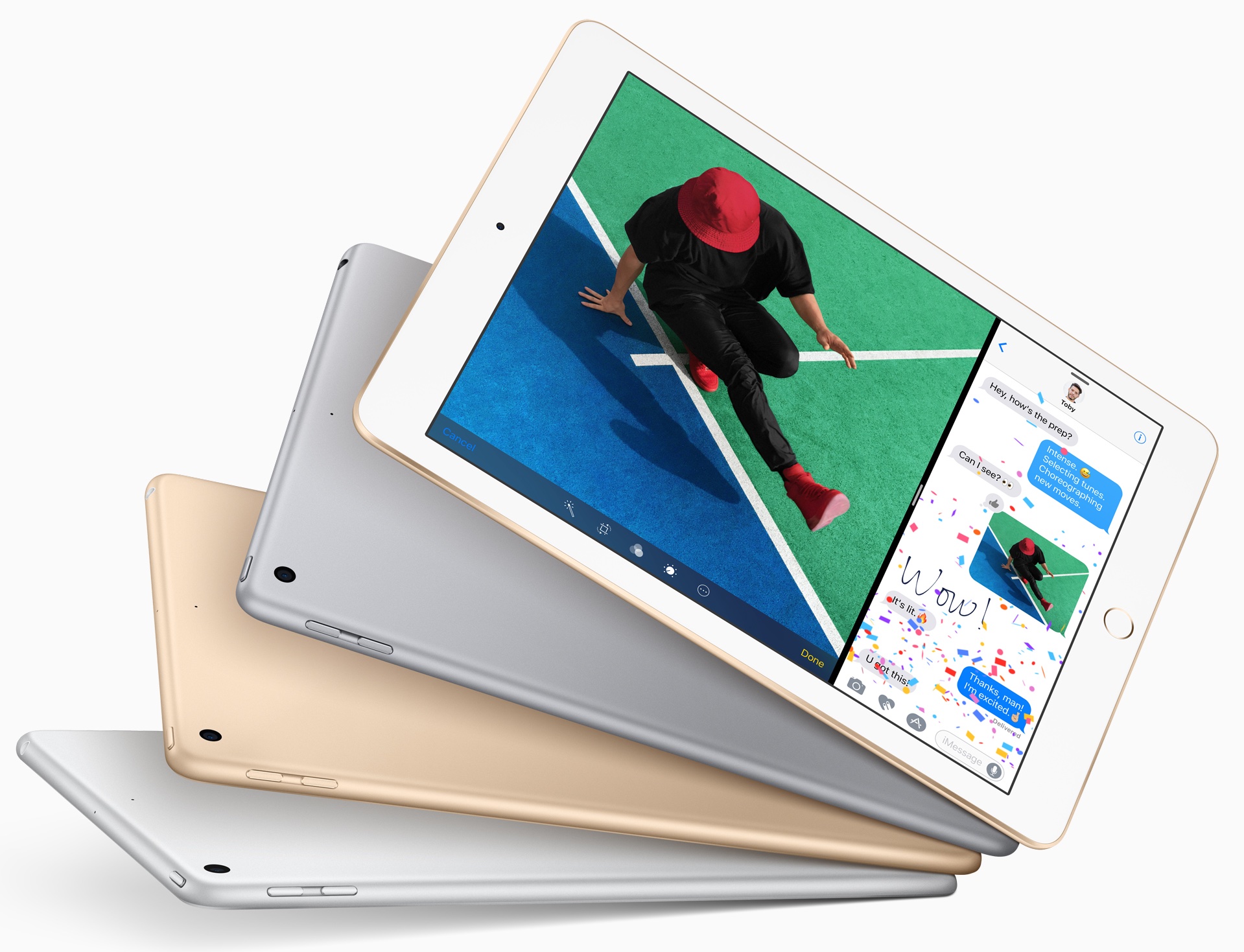
DigiTimes believes that Apple will release the 10.2-inch iPad towards the end of the third quarter. This possibly means that Apple could unveil this tablet alongside the iPhone 11 lineup at its September event.


Apple usually reserves its September event for iPhone and Apple Watch. However, since the iPhone lineup is going to see a minor refresh this year, it is possible that Apple could launch the 10.2-inch iPad alongside it.


As to sizes, 10.x-inch tablets will continue to dominate the market. Apple is set to release 10.2-inch new iPads in late third quarter.


The 10.2-inch iPad is expected to replace the aging 9.7-inch iPad which was last refreshed in 2018. Since the screen size would be bumped to 10.2-inches, Apple will reduce the bezels as it has done with its iPad Pro lineup.


The 9.7-inch iPad starts from $329 and Apple will likely try to retain the same price tag. This means that internal upgrades are going to be modest in nature and we could be looking at an A11 or A12 Bionic chip powering the tablet.


Apple tends to launch new iPads in October or in March. But with 10.2-inch iPad getting a minor update, it is possible that Apple could end up skipping the October event entirely and simply talk about it in brief at its September iPhone event.


Are you looking forward to Apple launching a 10.2-inch iPad? The company has already unveiled a 10.5-inch iPad Air earlier this year.


Source: iPhonehacks

Windows
Mac OS
iOS
Linux
3uTools
Win 64-bit For this device
V9.01 2025-12-27
Download
Win 32-bit For this device
V9.01 2025-12-27
Download
3uTools
Intel Chip How to Identify Chip Type
V9.01 2025-12-31
Download
Apple Silicon
V9.01 2025-12-31
Download
How to Identify Chip Type
1.  Click the Apple icon in the top-left corner of the screen and select About This Mac.
2.  Check the Processor or Chip field to determine if it is "Intel" or "Apple".
Please use the 3uTools PC client to install the iOS client:
1、 Install either the Windows or Mac version of 3uTools on your computer
2、 Open the PC client and connect your device to the computer via USB cable
3、 After the connection is successful, wait for the computer to automatically install the mobile app for the device, or locate “Install Mobile App” on the computer and manually click to install.
3uTools
deb file
V3.01 2025-11-20
Download
rpm file
V3.01 2025-11-20
Download
Windows
Windows
iOS
iOS
Android
Android
TV
TV
3uAirPlayer
Win 64-bit For this device
V6.0.2 2025-11-19
Download
Win 32-bit For this device
V6.0.2 2025-11-19
Download
iOS Device Mirroring (No App Required)
1、 Install 3uAirPlayer on the Windows PC
2、 Open Control Center and select Screen Mirroring
3、 From the list, choose your PC to start mirroring
4、 Or connect your iOS device to the PC via USB to begin mirroring
Scan to get "3uAirPlayer" App
3uAirPlayer TV V1.0.18
2025-11-28
TV System Requirements: Android 7.0 or later
Download the TV installation package, copy it to a USB drive, insert it into your TV or set-top box, then select the file from the home screen to install.