 NEWS
NEWS
Apple Will End up Doing What Intel Could Not
 08/05/2019
 2771
2771
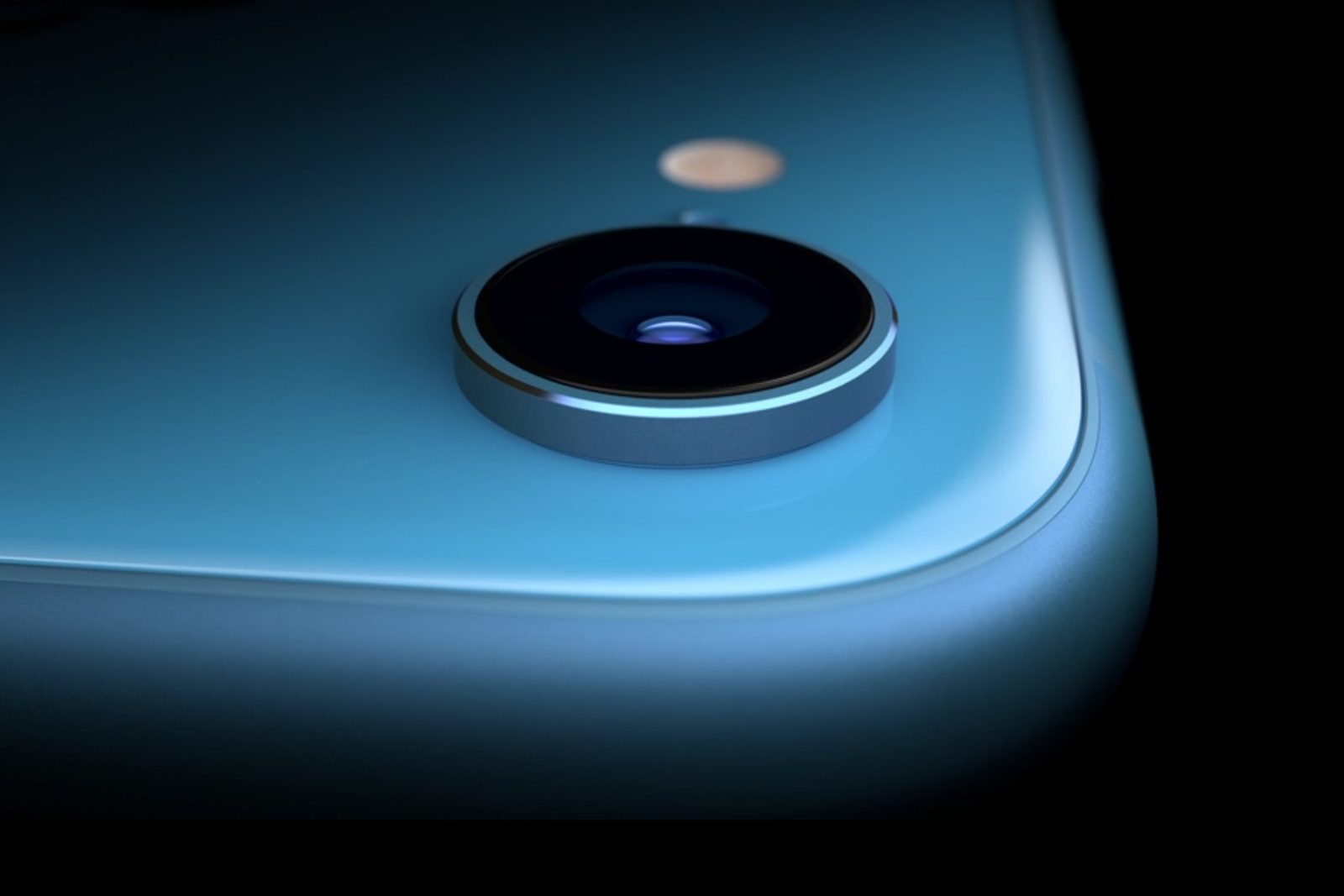
With its recent billion dollar purchase to take Intel's scrapped 5G modem business off its hands, Apple is more in control of its destiny than ever.
A cursory analysis would quickly reveal that Cupertino is more than happy to lessen its reliance on Qualcomm, a company that Apple is unlikely to send a Christmas card to any time soon.
It continues Apple's long tradition of bringing more of its component design in-house, and while Intel could not hit its own targets, the silicon powerhouse that is Apple is more than likely to turn that around in the coming years.
That would eventually leave the memory chip as the only major piece of silicon within an iPhone that remains out of Apple's hands. It's a heck of a place for a phone maker to be.
Given the runs that Apple has on the board when it comes to chip performance, it'd be a brave call to say Apple will fail in this regard.
While Intel may feel okay about its place inside of Apple's hardware portfolio as the supplier of CPUs for Apple's Mac lineup, it should be looking over its shoulder.
For many, many years, a shift from Intel to Arm has been expected, and yet it has never come.
My own experience with an Arm-powered device shows why Apple hasn't made the switch: shifting processor architectures creates a compatibility crapshoot, and a hardware maker is unlikely to want to put in an extra abstraction layer, ala Rosetta as Apple did when it shifted from PowerPC to Intel.
However, that doesn't mean Apple won't do its darnedest to push Arm into the mainstream by way of the iPad.
that doesn't mean Apple won't do its darnedest to push Arm into the mainstream by way of the iPad.
Unlike the Galaxy Book2, which arrives with a Windows version that allows a user to unlock it to behave more like a non-Arm Windows install, the iPad is unreservedly locked to iOS. While Windows attempts to be all things to all people, Apple has no such problem, and its users don't need to know why keeping a device in S Mode might be less frustrating long term.
Apple is now in a position where it doesn't need to replace the chips within Macs for its own A-series chips. All it needs to do is push iPad deeper into the mainstream until only professionals are left pondering about Macs.
Cupertino has never been shy about cannibalising its own lineups in the past, and as the iPad becomes more and more like a traditional laptop, it has more power to shift sales away from Intel and more towards Apple's own designs.
The endgame is that Mac becomes a platform left to the powerful edges of the market, while the iPad sits in the mainstream, chugging away on its Arm processor.
That's a strategy that Intel would never pursue, but Apple alone could do.
Source: zdnet










