 NEWS
NEWS
Apple Card Launches Today for All Us Customers
 08/21/2019
 2974
2974
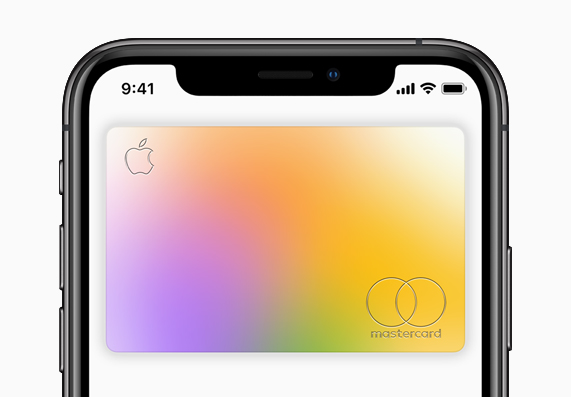
Apple Card, a new kind of credit card created by Apple and designed to help customers lead a healthier financial life, is available in the US starting today. Customers can apply for Apple Card through the Wallet app on iPhone in minutes and start using it right away with Apple Pay in stores, in apps, and on websites. Built on simplicity, transparency, and privacy, Apple Card has no fees, encourages customers to pay less interest, offers an easy-to-understand view of spending and provides a new level of privacy and security. This launch follows the Apple Card preview earlier this month, during which a limited number of customers were invited to apply early.
“We’re thrilled with the overwhelming interest in Apple Card and its positive reception,” said Jennifer Bailey, Apple’s vice president of Apple Pay. “Customers have told us they love Apple Card’s simplicity and how it gives them a better view of their spending.”
More Merchants to Offer 3 Percent Daily Cash
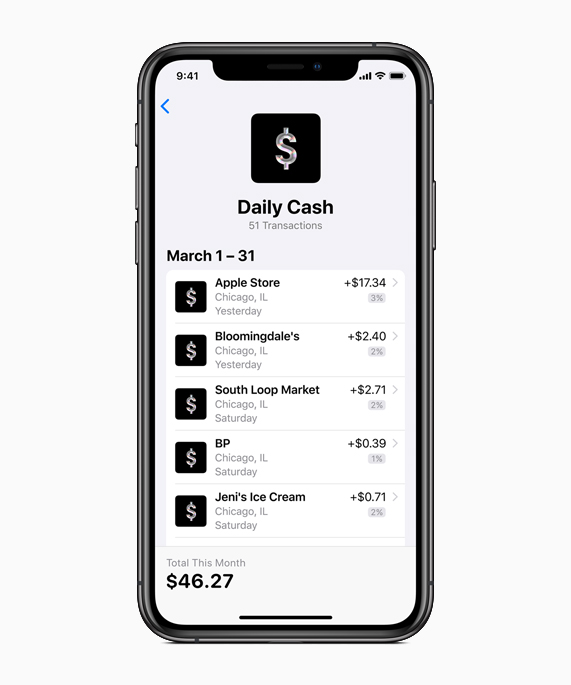
Apple Card’s compelling rewards program, Daily Cash, gives back a percentage of every purchase as cash on customers’ Apple Cash card each day. Customers will receive 2 percent Daily Cash every time they use Apple Card with Apple Pay, and 3 percent Daily Cash on all purchases made directly with Apple, including at Apple Stores, apple.com, the App Store, the iTunes Store and for Apple services.
Apple Card is extending 3 percent Daily Cash to more merchants and apps. Starting today, customers will receive 3 percent Daily Cash when they use Apple Card with Apple Pay for Uber and Uber Eats. Customers can request a ride through Uber in more than 700 cities across the globe and order a meal through Uber Eats in more than 500 cities around the world. Apple Card will continue to add more popular merchants and apps in the coming months.
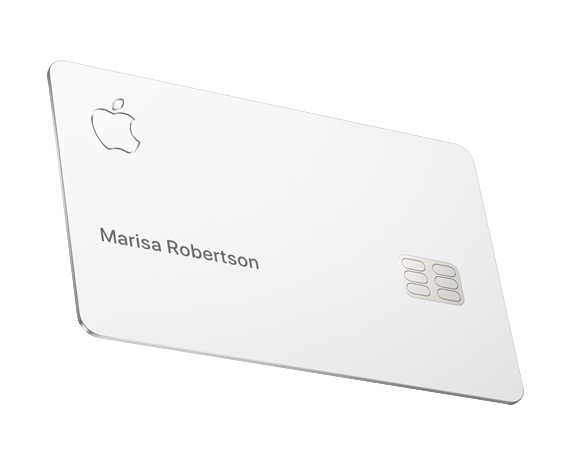
For purchases made with the titanium Apple Card, customers will get 1 percent Daily Cash.
A New Kind of Credit Card Created by Apple
Apple Card delivers new experiences only possible with the power of the iPhone, including reaching support 24/7 by simply sending a text from Messages. To help customers better understand their spending, Apple Card uses machine learning and Apple Maps to clearly label transactions with merchant names and locations in Wallet, and provides weekly and monthly spending summaries.
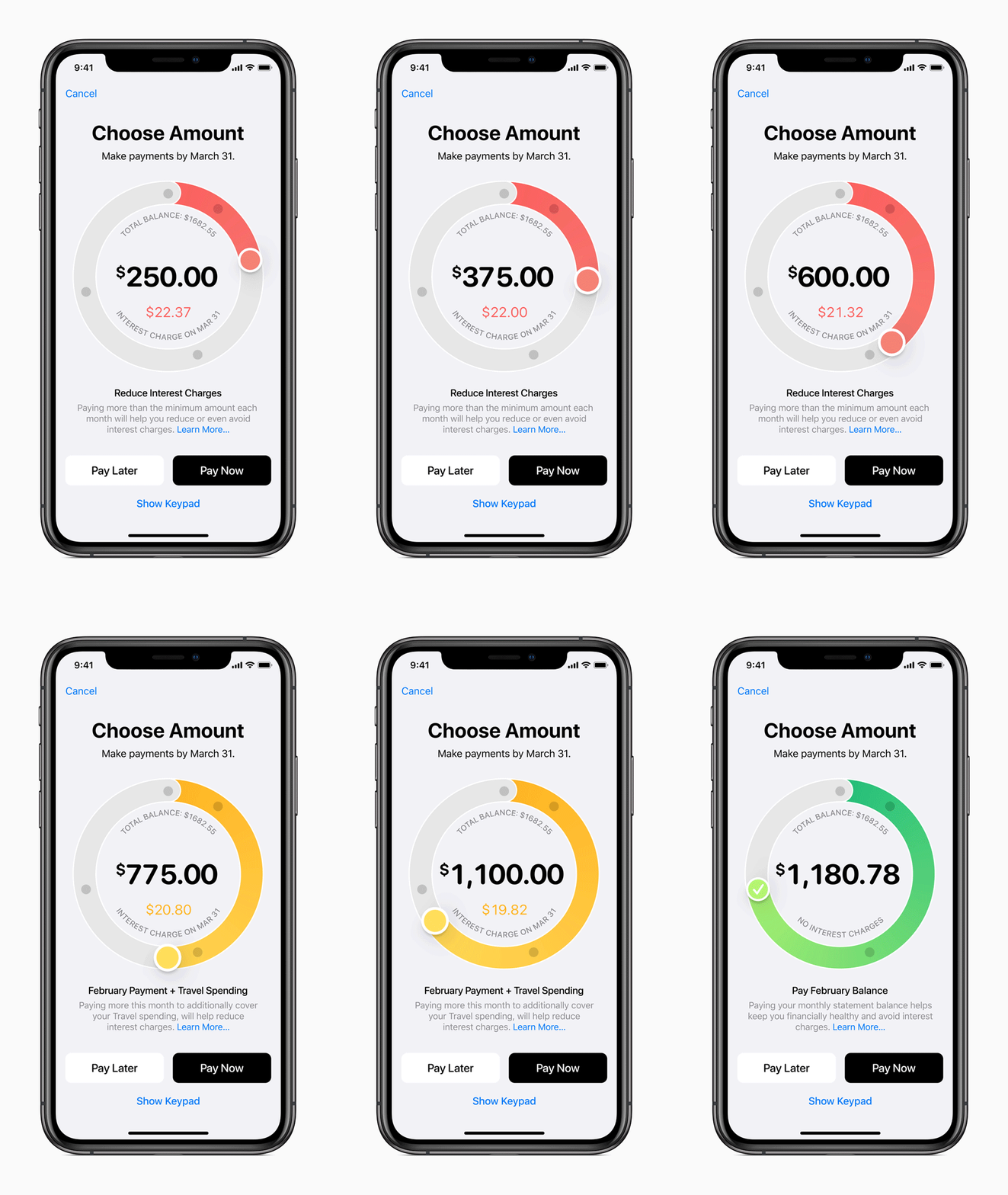
There are absolutely no fees associated with Apple Card: no annual, late, international or over-the-limit fees. To help customers make informed choices, Apple Card shows a range of payment options and calculates the interest cost on different payment amounts in real time.
Apple Card also provides a new level of privacy and security. The unique security and privacy architecture created for Apple Card means Apple does not know where a customer shopped, what they bought or how much they paid.
Apple is partnering with Goldman Sachs as its issuing bank. Goldman Sachs will never share or sell data to third parties for marketing and advertising. Apple is also partnering with Mastercard to provide the support of a global payments network.
Source: apple










