 NEWS
NEWS
Bose Announces AirPlay 2-Equipped Portable Home Speaker
 08/23/2019
 3283
3283
Bose today announced the launch of a new speaker, the Bose Portable Home Speaker, which is designed to work with Apple's AirPlay 2 protocol.
The Bluetooth-enabled Portable Home Speaker is designed to be compact, and it's got a rather HomePod-like design with a cylindrical body that features speaker mesh at the bottom and an aluminum shell at the top to deliver 360 degree sound. It measures in at 7.5 inches high and 4 inches across. 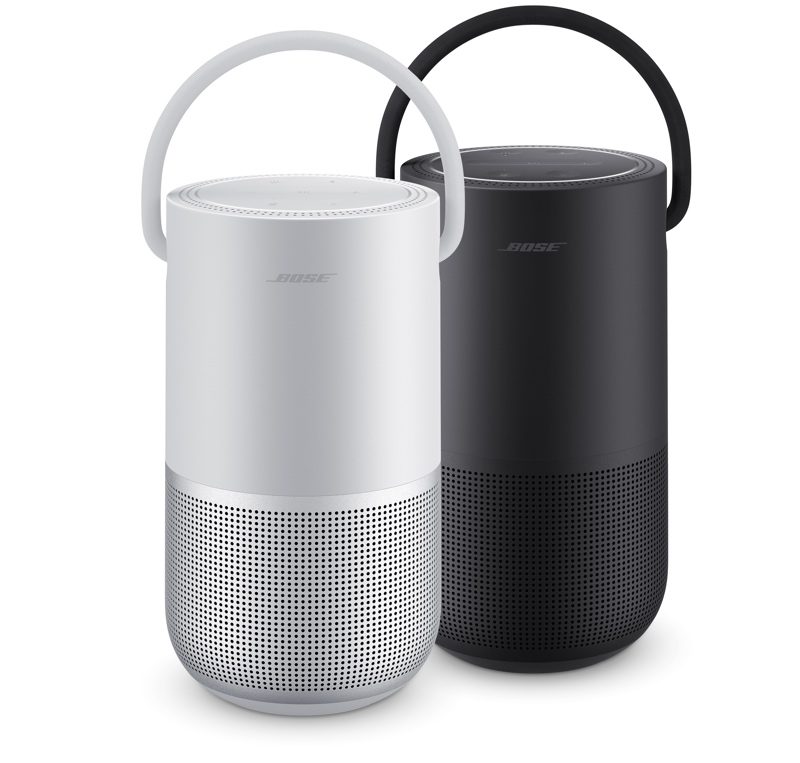
The Portable Home Speaker has a handle so you can move it from room to room, and it weighs just 2.3 pounds. There's also a built-in battery with 12 hours of battery life, so it can go where you go. It has an IPX4 water resistance rating, so it can survive minor spills and splashes of rain.
Bose says that the Portable Home Speaker delivers deeper bass than any other portable speaker in its size. With Bluetooth, you can stream music from your phone or tablet while on the go, and while at home, you can use AirPlay 2, Google Assistant, and Amazon Alexa. 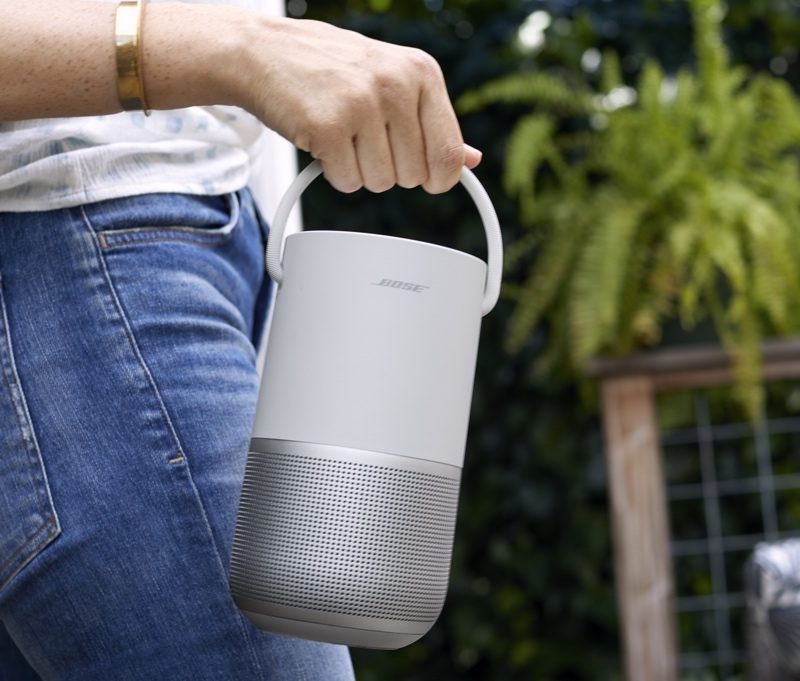
With AirPlay 2 support, you can play any music you like from an iOS device, and it can be paired up with other AirPlay 2-enabled speakers for a whole home audio experience. You can also pair it up with other Bose products using the Bose Music app.
Buttons on the top of the Portable Home Speaker allow manual control over power, volume, play/pause, and skipping tracks, plus there is a proprietary privacy-focused "mic-off" feature that disables power to the microphone so you can make sure you're not being recorded. 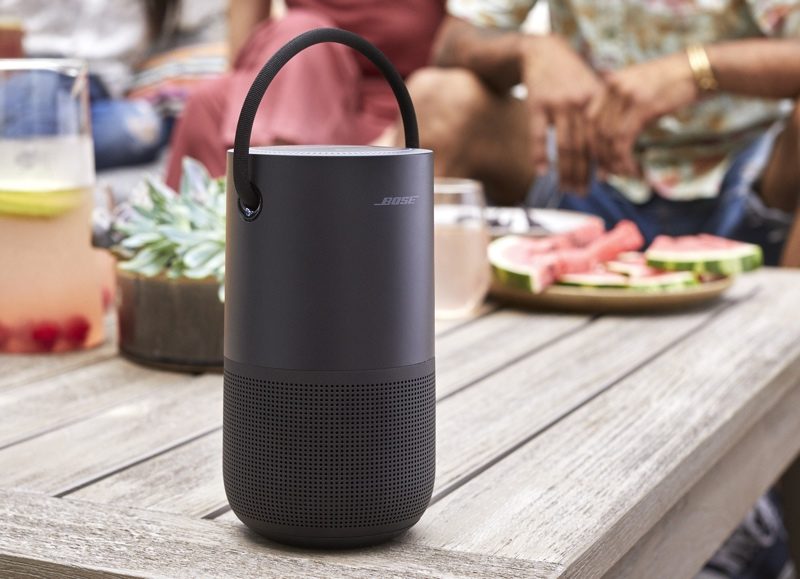
Inside, the speaker features three passive radiators, a high-excursion driver, and what Bose says is a proprietary deflector to distribute "clear, lifelike sound evenly in every direction."
Bose's new Portable Home Speaker is priced at $349, which is what Apple used to charge for the HomePod before dropping the price down to $299 earlier this year. It will be available for purchase starting on September 19.
Source: Macrumors










