NEWS

This Rapper Sounds Exactly Like Siri

12/25/2018

2610

This Rapper Sounds Exactly Like Siri


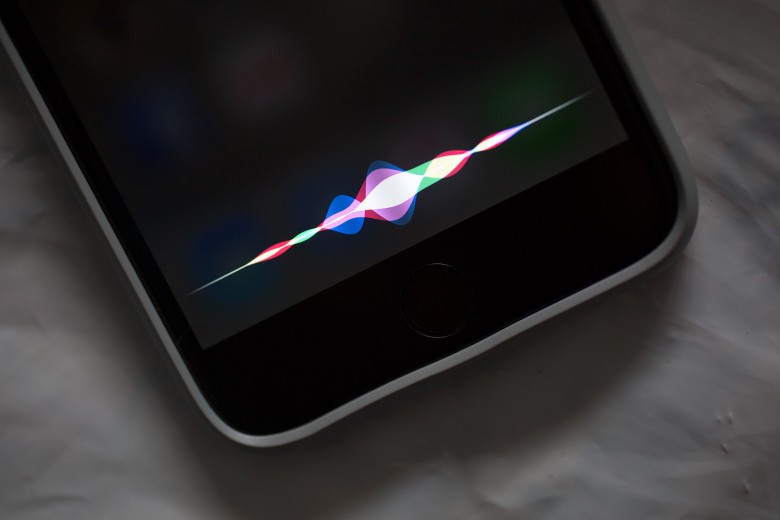
A Baltimore-based rapper named HAZMATCAZ has taken the internet by storm. No, it’s not her ability to spit sick bars, but rather her astonishingly on-point Siri impression.


Check it out on Twitter.


Footage of the impression, which features HAZMATCAZ reciting navigation instructions in the style of Siri, was recently posted online. It has already gone viral, with hundreds of thousands of likes and retweets on Twitter.


HAZMATCAZ has been accused of lip-synching to the video. However, she claims that it really is her natural speaking voice, rather than any kind of trickery.


The real original Siri voice was voice actress Susan Bennett, who carried out the recordings way back in 2005: six years before the iPhone 4s introduced Apple fans to Siri. Since then, Siri has expanded to include multiple voices and accents.


Hey, maybe the next one could be a female rapper. Who wouldn’t want their voice assistant dropping some dope rhymes to let them know when they’ve reached their destination?


Source: cult of mac

Windows
Mac OS
iOS
Linux
3uTools
Win 64-bit For this device
V9.01 2025-12-27
Download
Win 32-bit For this device
V9.01 2025-12-27
Download
3uTools
Intel Chip How to Identify Chip Type
V9.01 2025-12-31
Download
Apple Silicon
V9.01 2025-12-31
Download
How to Identify Chip Type
1.  Click the Apple icon in the top-left corner of the screen and select About This Mac.
2.  Check the Processor or Chip field to determine if it is "Intel" or "Apple".
Please use the 3uTools PC client to install the iOS client:
1、 Install either the Windows or Mac version of 3uTools on your computer
2、 Open the PC client and connect your device to the computer via USB cable
3、 After the connection is successful, wait for the computer to automatically install the mobile app for the device, or locate “Install Mobile App” on the computer and manually click to install.
3uTools
deb file
V3.01 2025-11-20
Download
rpm file
V3.01 2025-11-20
Download
Windows
Windows
iOS
iOS
Android
Android
TV
TV
3uAirPlayer
Win 64-bit For this device
V6.0.2 2025-11-19
Download
Win 32-bit For this device
V6.0.2 2025-11-19
Download
iOS Device Mirroring (No App Required)
1、 Install 3uAirPlayer on the Windows PC
2、 Open Control Center and select Screen Mirroring
3、 From the list, choose your PC to start mirroring
4、 Or connect your iOS device to the PC via USB to begin mirroring
Scan to get "3uAirPlayer" App
3uAirPlayer TV V1.0.18
2025-11-28
TV System Requirements: Android 7.0 or later
Download the TV installation package, copy it to a USB drive, insert it into your TV or set-top box, then select the file from the home screen to install.